Studiolo
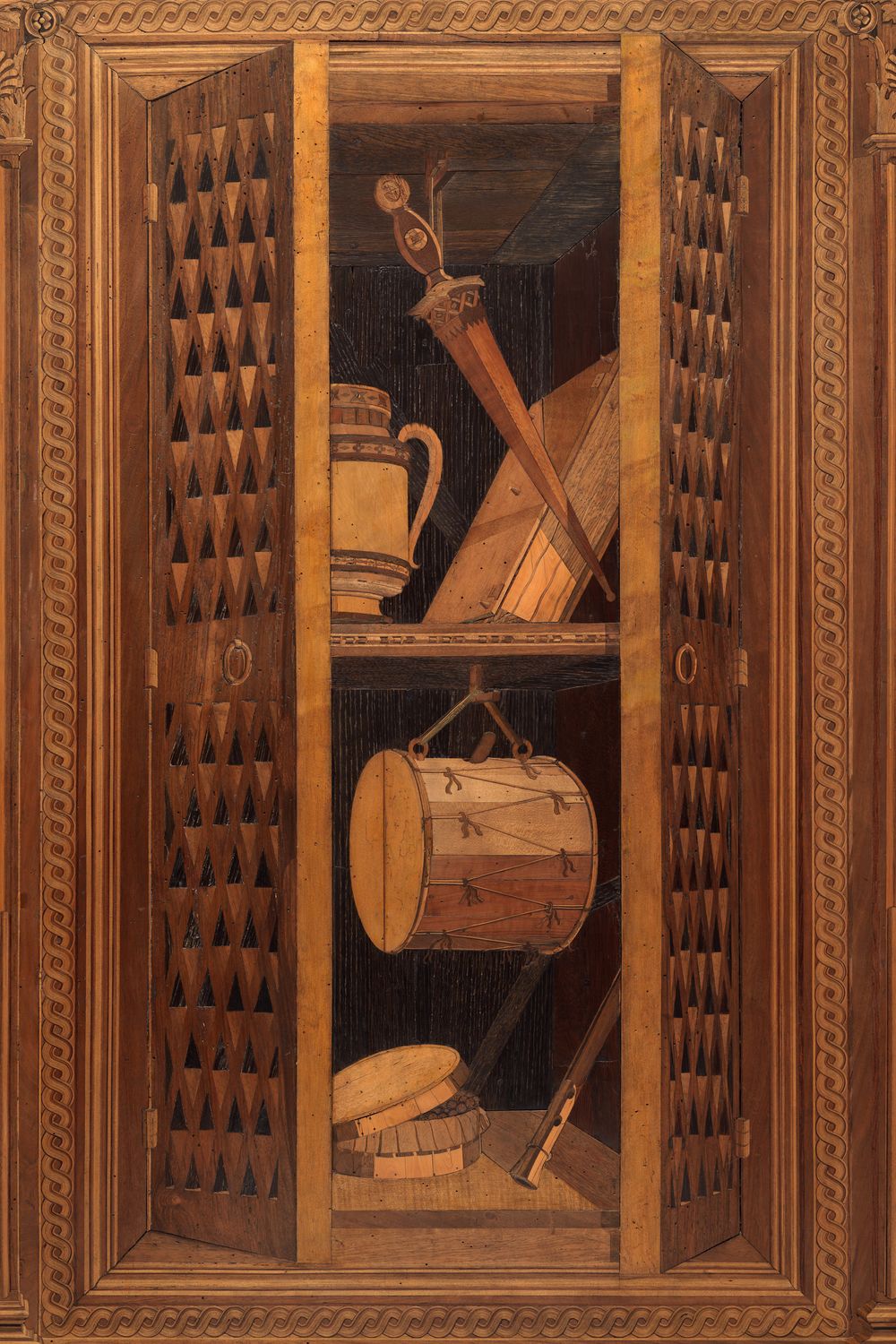
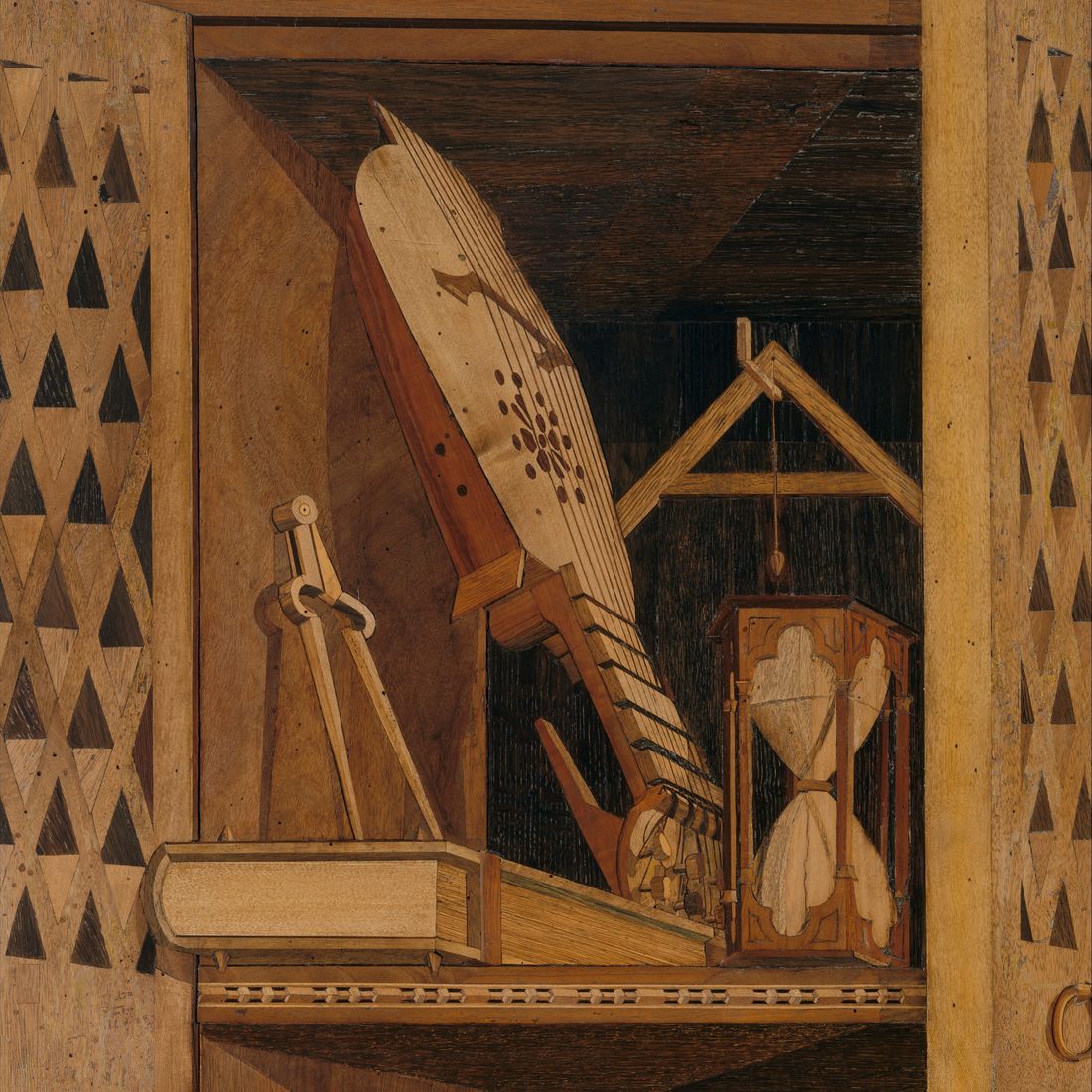
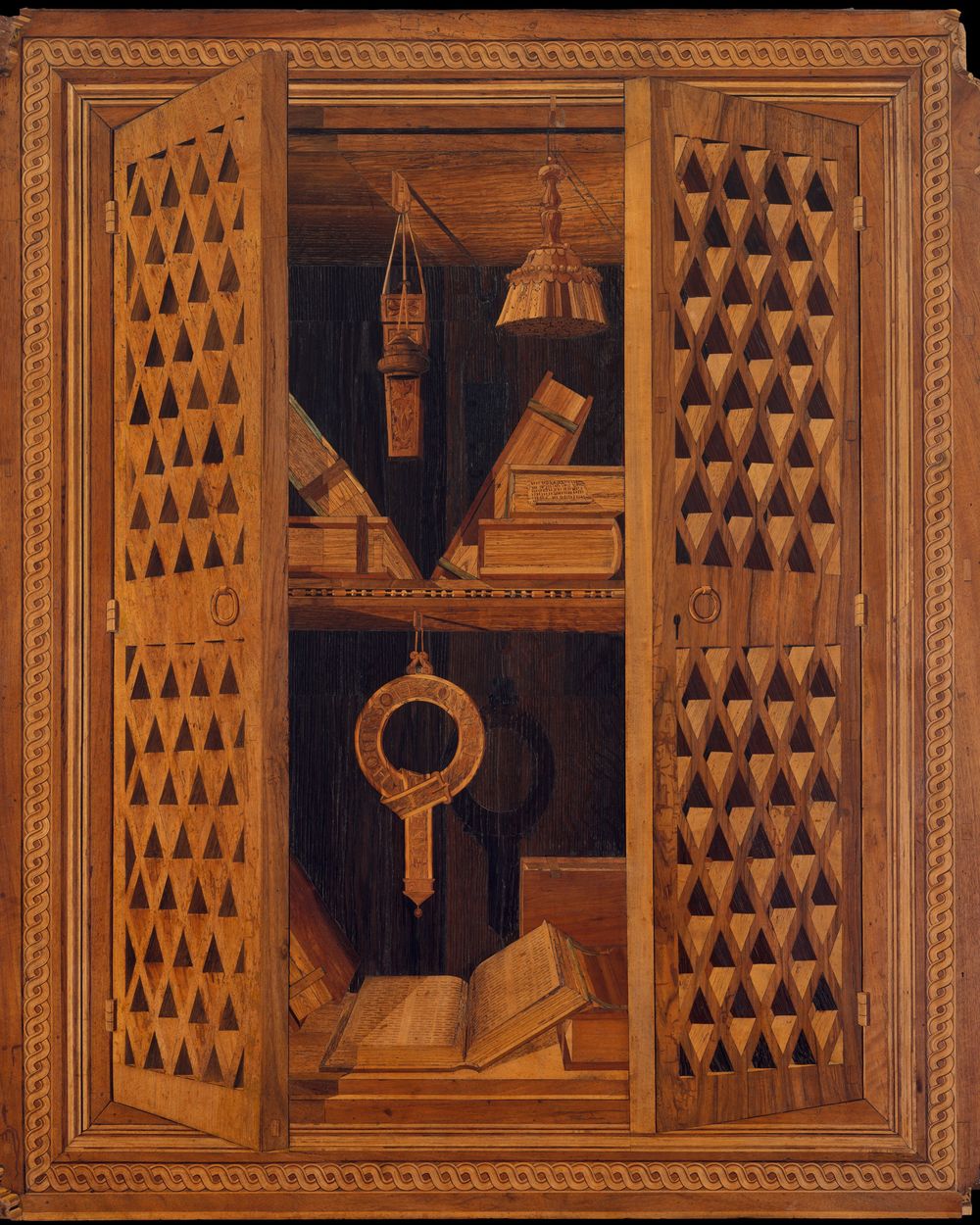
A door half open on a drum.
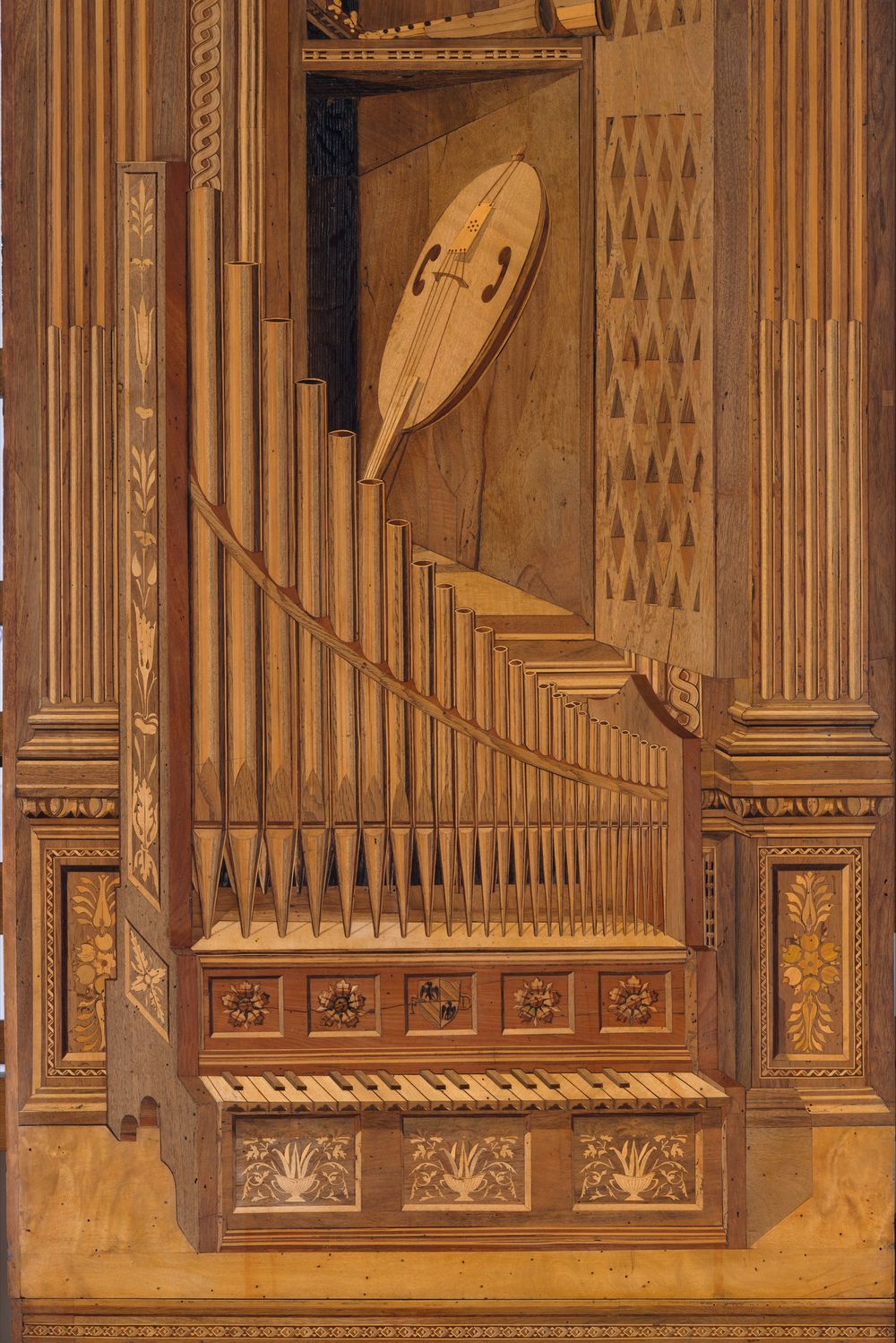
A small organ, a lute leaning on it.
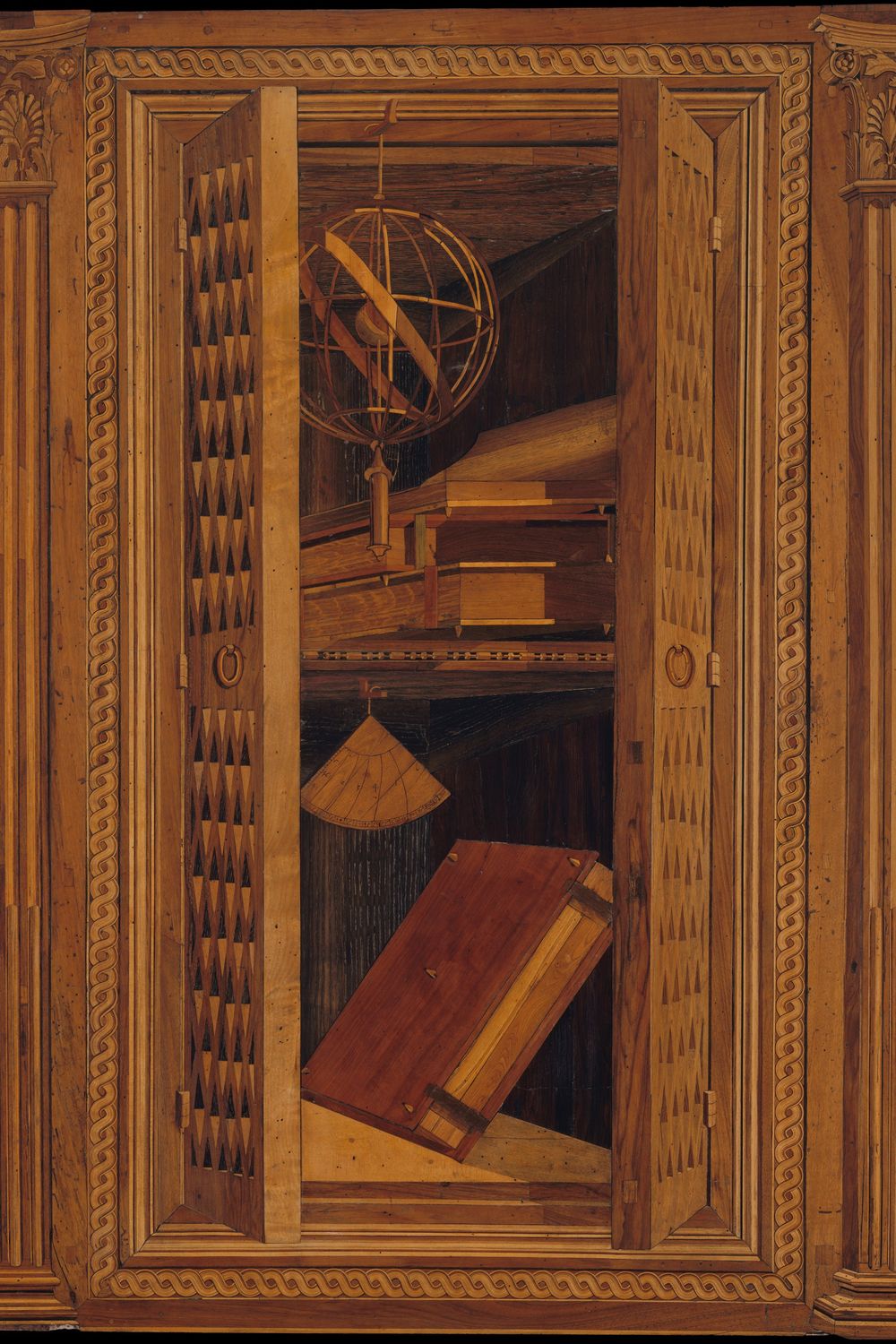
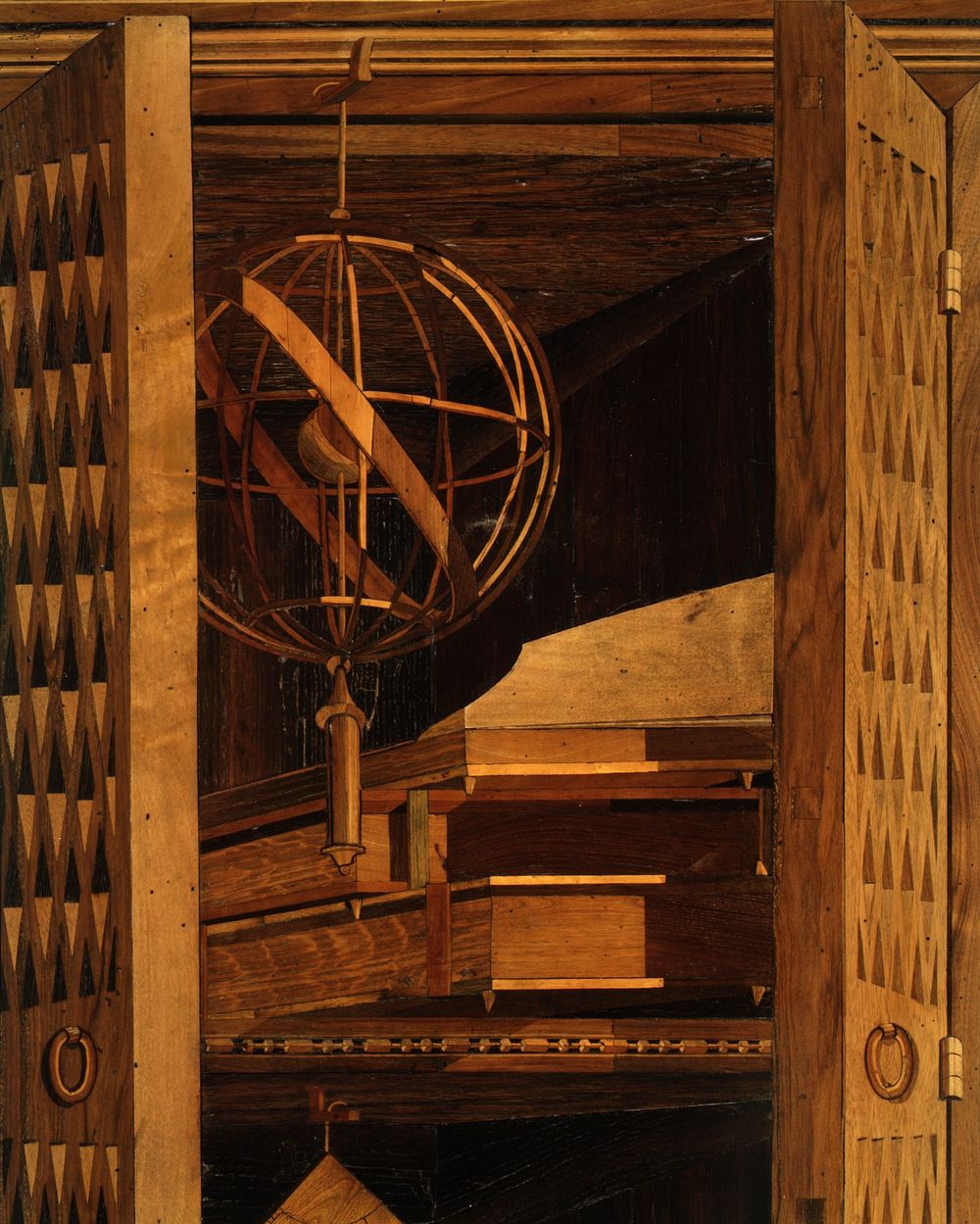
An armillary sphere and some books.
A first pass of sound effects for your video, from your own library. You just fix it.
Windows · Early access December 31 · Beta now
None of these cupboards are real. They are pictures made of wood inlay around 1478, on the walls of the Duke of Gubbio's own small study. A room like that is called a studiolo.
One video, from drop-in to delivery
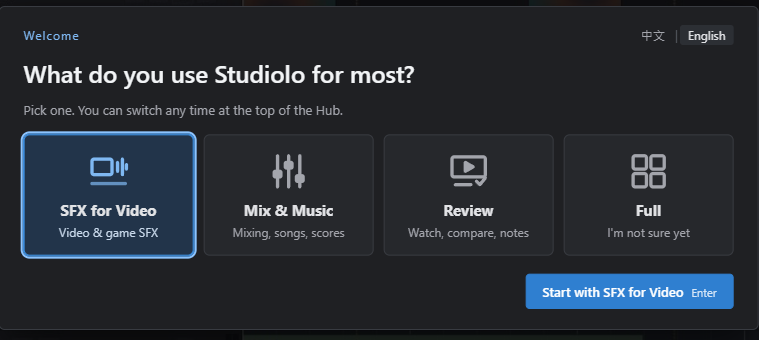
Say what you do.The first time it opens, Studiolo asks what you use it for most: SFX for Video, Mix & Music, Review, or Full. Pick SFX for Video and you see only what sound effects need. Switch any time at the top of the Hub.
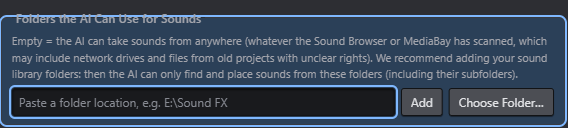
Point it at your library.Add your sound effects folders in AI Settings. From then on the AI finds and places sounds only from those folders, nowhere else.
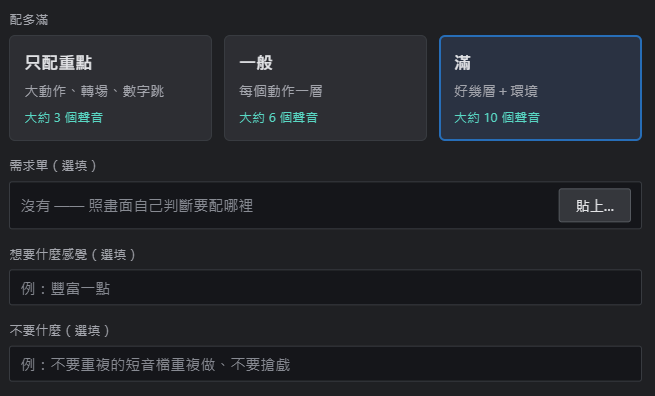
Press Auto Sound Effects.Drag the video in and choose how full: key moments, normal, or full. Paste a requirement sheet if you have one, and say in a line what feel you want and what to avoid.
The AI lays the first pass.It reads the picture and lists the sounds it needs, then searches your library: places each sound, lines it up to the first frame, trims, fades, tidies the tracks, and sets loudness on the master only. Then it checks its own work and notes where it is unsure.

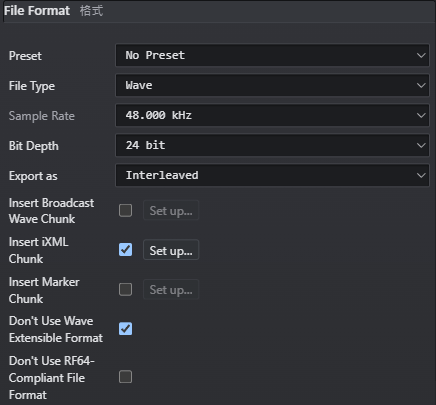
You review and export.It goes straight into Review: listen section by section, tick what works, press Y to try the next sound where it does not. Your ears still decide. The export window follows Cubase's Audio Mixdown: WAV, sample rate and bit depth set the way you always do.
Keep the DAW you know
Not ready to switch? Use Studiolo just to place the sounds, export an XML file, and carry on mixing and producing in any DAW.
Cubase
StatusTested
File › Export › Track Archive for Cubase. In Cubase choose File › Import › Track Archive and pick the xml inside; everything lands where it was in Studiolo.
Premiere
StatusTesting
File › Export › Export for Premiere (XML + Stems). One WAV per layer, delivered with an XML file.
Other DAWs
StatusTesting
File › Export › AAF… or DAWproject…, whichever your DAW reads. We test them one by one and list each only once it is tested.
Your way of working, not ours
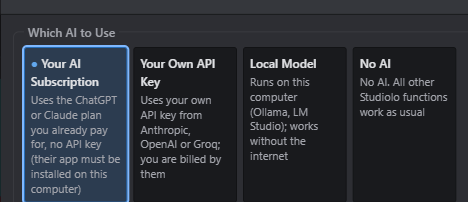
Use the AI you already have
Pick one in AI Settings: an AI plan you already pay for (for example a ChatGPT plan with Codex), your own API key, a local model on this computer, or no AI.
With no AI, everything else works as usual.
- Y
- Next sound
- Alt+Y
- Find one that sounds alike
- Shift+Y
- Back to the previous one
Wrong sound? Press Y
Select a sound and press Y: it cycles through the takes already placed, then searches your library for alternatives that fit the picture.
Each change plays from half a second before. Stop on the one you like.
- P
- Set locators to the selection
- F5
- Sound Browser
- Shift+F5
- Search Media
It handles like Cubase
Key commands, menus and the export window follow Cubase's factory layout, so your hands already know them.
What Cubase does not have gets keys of its own.
Your habits stay on your computer
File › Learn from Old Projects… reads your past Cubase, Nuendo, REAPER and Ableton Live projects and sums up how you layer, how loud, which plug-ins.
Nothing counts until you approve it. Originals are read, never changed, and the data stays on this computer.
Other people's ways,
in your Studiolo
Not a bigger studio.
Your own studiolo.
Early access opens December 31, for Windows. Want to know first? Drop us a line.
Tell me when it opens